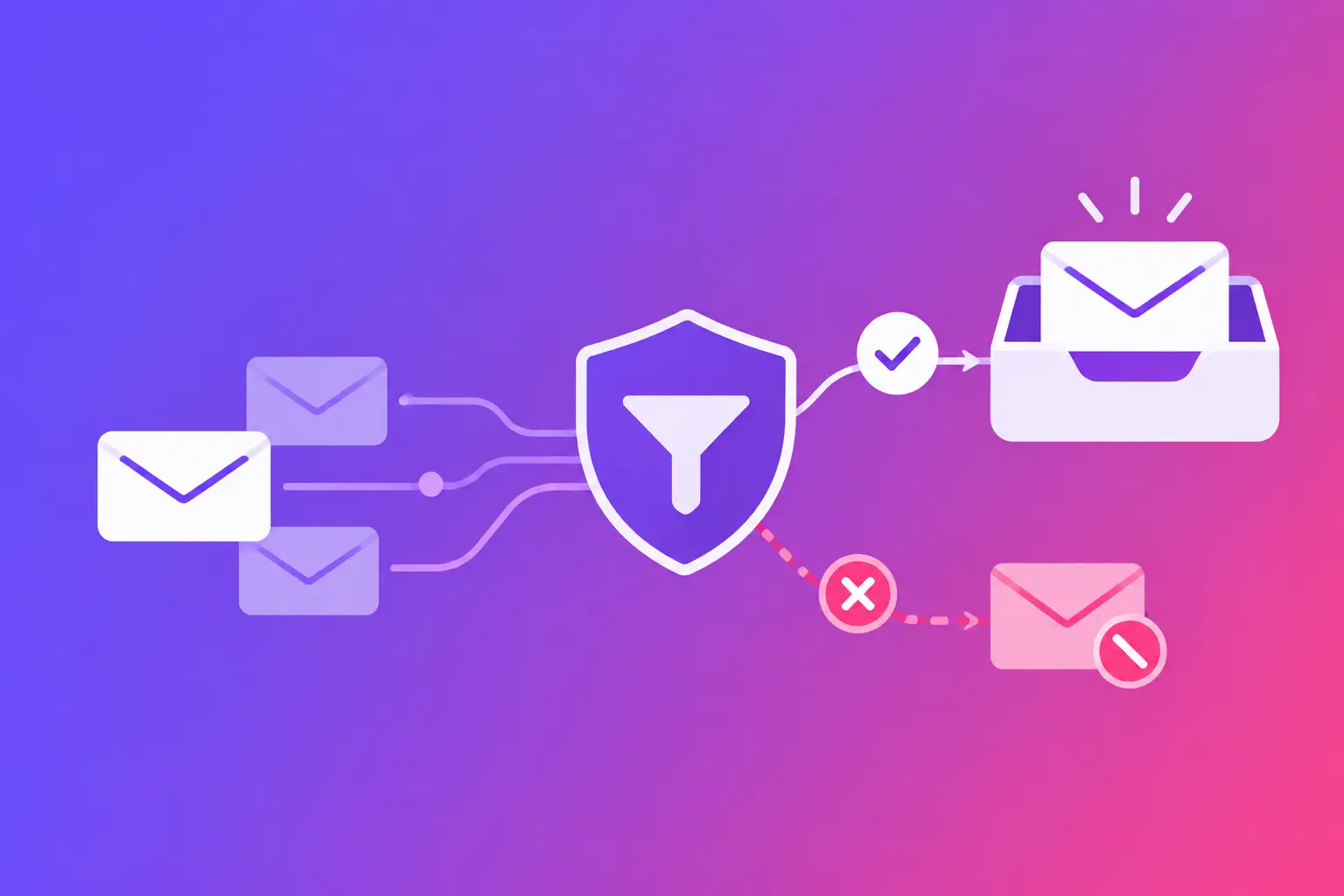
A customer says your invoice never arrived. Your sent folder shows it went out. The payment is now late, your staff is chasing it, and nobody can say where the message went. So, can spam filters block invoices? Yes. A legitimate invoice can land in spam, be quarantined by a business security system, or be rejected before it reaches the recipient's mailbox.
The straight answer is that an invoice is not automatically trusted because it contains a bill, payment link, or PDF. Receiving mail systems assess the sender, the domain, the message, the links, the attachment, and recent sending behavior. A problem in any one area can make a normal billing email look risky.
Why spam filters can block invoices
Email filtering is designed to stop phishing, malware, impersonation, and unwanted mail. Criminals often use fake invoices because they create urgency and may include payment requests or attachments. That means real invoices can be reviewed more closely than an ordinary one-to-one email.
A filter does not usually make one simple decision based on a word such as "invoice." It assigns signals to the message. A known sender with a properly configured domain and a normal payment workflow may pass easily. The same invoice sent from a new domain, a poorly configured system, or an unfamiliar address may be held for review.
The outcome varies by recipient. One customer may receive the invoice in the inbox. Another may find it in spam. A third may have it placed in a quarantine portal that only their IT team can access. In some cases, the recipient's server rejects the message, and you receive a bounce notice. In others, you receive no notice at all because the message was accepted and then filtered later.
The sender checks that matter most
Your domain cannot prove it sent the message
The most common underlying issue is missing or misaligned email authentication. These records help a receiving system verify that your mail platform is authorized to send on behalf of your domain.
SPF, or Sender Policy Framework, is a DNS record that identifies which mail servers may send email for your domain. DKIM, or DomainKeys Identified Mail, adds a digital signature that allows recipients to confirm the message was not changed in transit. DMARC, or Domain-based Message Authentication, Reporting, and Conformance, tells receiving systems how to handle mail that fails those checks and provides reporting about the results.
These are not just technical extras. If your visible From address says billing@yourcompany.com, but the sending service cannot authenticate as yourcompany.com, a filter has reason to question the message. This is especially true when the email asks for payment.
The exact fix depends on how you send invoices. If they come from accounting software, a customer relationship platform, an appointment tool, or a shared mailbox, each system may need to be included in SPF and set up with DKIM. Do not assume your everyday email provider covers every tool your business uses. Adding a new vendor without updating authentication can quietly create a delivery problem.
The sending address does not match your normal business identity
A sudden change from invoices@yourcompany.com to yourcompanybilling@gmail.com can concern both filters and customers. The same is true when the displayed sender name is different from your company name, or when reply messages go to an unrelated address.
Use a stable billing address on your own domain whenever possible. Keep the From address, reply-to address, invoice branding, and payment destination consistent with how customers know your business. This is not about making an email look polished. It helps recipients and their mail systems establish a recognizable pattern.
Your domain or sending server has a reputation problem
Mail systems also consider reputation. A domain with recent authentication failures, high complaint activity, suspicious sending spikes, or a blocklist listing may receive more scrutiny. A blocklist is a published list of domains or IP addresses associated with unwanted or harmful email activity.
A reputation issue does not always mean your staff did anything wrong. It can result from an old system still sending mail, a compromised mailbox, an incorrectly shared sending server, or a third-party platform you did not realize was using your domain. The practical step is to identify every source that sends as your domain before changing records or moving invoice mail to a new address.
Message details that can send an invoice to spam
Authentication is the foundation, but the invoice itself still matters. Payment messages often contain the same features that attackers use: links, attachments, urgent language, and requests to open a document.
A legitimate invoice can be filtered when it arrives as an unexpected attachment, especially if the recipient has never received that format from you. Password-protected or unusual file types may create additional review because security tools cannot inspect them normally. A standard PDF is often easier for the recipient's system to evaluate than a compressed archive or a file that asks the recipient to enable content.
Links deserve the same care. If the visible text says one thing but the link goes to an unrelated domain, that is a warning sign. Shortened links can also make verification harder. When your payment portal uses a separate domain, explain that relationship clearly in the message and keep it consistent over time.
Content can contribute, but it is rarely the whole story. Phrases such as "pay immediately" or "final notice" are more likely to be questioned if the sender is unknown, the message has failed authentication, or the recipient has no history with your company. Do not try to outsmart filters by disguising words or changing spelling. Fix the trust signals behind the message instead.
How to tell what happened to a missing invoice
Start with the evidence you have. If you received a non-delivery report, read the error code and the receiving server's explanation. A rejection usually points to an address problem, an authentication failure, a policy issue, or sender reputation. Save the complete bounce message before forwarding it to an IT person or email provider.
If there was no bounce, ask one affected recipient to check spam and, if they use a company email account, their quarantine area. Ask them for the message headers if they can provide them. Headers are the technical routing details attached to an email. They can show whether the message reached the recipient's mail system, passed authentication, or was routed through another security service.
Then compare the missing invoice with one that arrived. Look at the From address, sending platform, subject line, attachment type, payment link domain, and time sent. A difference can expose the cause. For example, invoices sent manually from your office mailbox may arrive while automated invoices from accounting software do not. That points to a platform configuration issue, not a company-wide spam problem.
Fix the right problem without disrupting billing
Avoid broad changes based on one complaint. Moving all invoices to a new domain, changing your whole payment process, or repeatedly resending the same message can create confusion and make diagnosis harder. First determine whether the issue affects one recipient, one recipient organization, one sending platform, or all outbound invoice mail.
For a domain-level issue, review SPF, DKIM, and DMARC together. SPF alone is not enough when the visible From domain does not align with the authenticated sender. For an automated billing platform, confirm its sending-domain setup and whether its required DNS records are present. For a reputation concern, investigate the mail source and recent sending history before requesting any changes.
It also helps to give customers a predictable path. Tell new clients which billing address you use and which payment domain they should expect. If an invoice is time-sensitive, use a second approved contact method to let them know it was sent. Do not send sensitive billing details through an unprotected channel just to work around a delivery question.
When the recipient's filter is the issue
Sometimes your domain and invoice are correctly configured, but one customer's organization has a strict policy. Their filter may block external attachments, hold payment emails for review, or require a staff member to approve a sender. You cannot control that policy from your side.
You can, however, provide useful details to their IT team: the sending address, sending domain, approximate time sent, message subject, and any delivery or bounce information. If they confirm their system quarantined the message, ask what they need to allow future invoices. Keep the request focused on a real business relationship, not on bypassing their security controls.
Your next step is to run MailArrive's free email health check and review the Report Card. It grades the domain signals that influence invoice delivery and explains the exact fix when DNS or authentication needs attention.