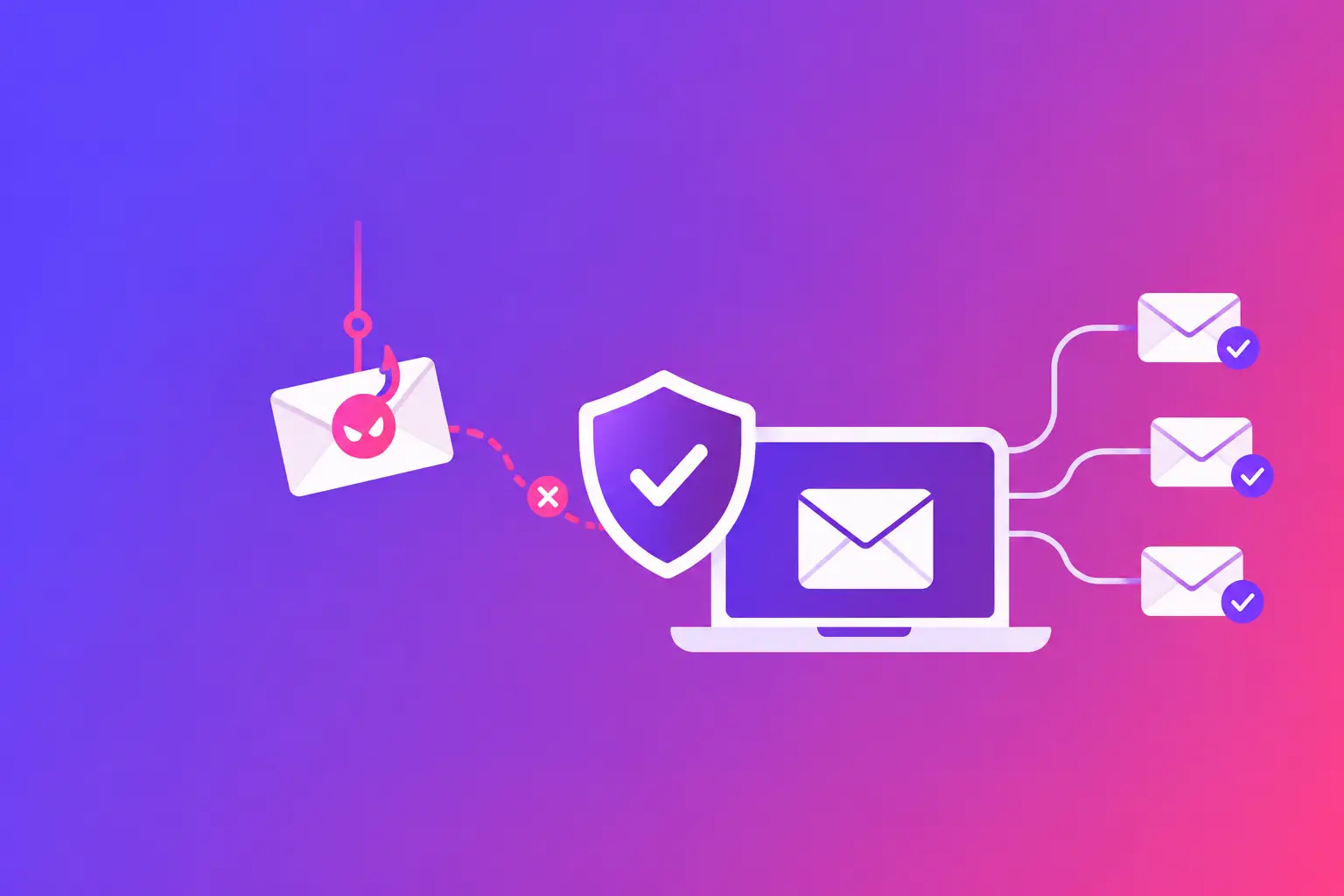
A fake invoice sent at 4:47 p.m. can look more convincing than a dozen obvious scam messages. It may use your vendor’s logo, reference a real project, and ask for a routine payment update. Knowing how to prevent phishing emails starts with accepting that the best attacks are designed to look ordinary, not alarming.
The straight answer is to use layers of protection. Train people to pause before acting, configure your email systems to verify senders, limit what happens when an account is compromised, and give staff a simple way to report suspicious messages. No single filter catches every phishing attempt. A layered approach gives your business several chances to stop one.
How to prevent phishing emails with practical controls
Start with the actions that reduce risk immediately. Your team needs clear rules for handling unexpected requests, while your email domain needs technical protections that help other mail systems recognize legitimate messages.
Give your team a simple verification rule
Most phishing succeeds because someone is rushed. The message creates a reason to act now: an overdue invoice, a password expiration, a document waiting for signature, or a request from the owner.
Set one rule that applies to everyone: verify any unexpected request involving money, passwords, account access, banking details, gift cards, payroll information, or sensitive files through a second channel. That means calling a known phone number, starting a new email to a known address, or speaking to the person directly. Do not reply to the message or use the phone number included in it.
This is especially useful for businesses that send invoices, manage closings, schedule appointments, or handle client records. A familiar-looking request is not proof that the sender is legitimate.
Teach people what to inspect first
You do not need to turn every employee into an email security specialist. You do need them to recognize a few signals and know what to do next.
Ask staff to check the full sender address, not only the display name. “Accounts Payable” can be typed by anyone. A sender address with a misspelled domain, extra word, or unrelated address is a warning sign.
Then look at the request itself. Unexpected urgency, unusual payment instructions, a request to sign in after following a link, and attachments you were not expecting all deserve verification. Poor grammar can be a clue, but polished writing does not make a message safe.
Also teach staff to hover over links before clicking. The destination should match the organization named in the message. On a phone, where hovering is difficult, the safer choice is to open a browser and navigate to the known website yourself.
Make reporting easy and blame-free
A phishing report that arrives quickly can protect the rest of your team. Give employees one clear route for reporting suspicious email, such as a designated mailbox, an email-client reporting button, or an internal IT contact.
Make the expectation equally clear: reporting is not an admission of a mistake. Staff should report messages they clicked, opened, replied to, or simply found suspicious. If someone entered a password after following a bad link, speed matters. Your IT team can reset credentials, review sign-in activity, and reduce the chance of a larger account takeover.
Protect your domain from impersonation
Training protects individual decisions. Domain authentication protects your business identity in the email ecosystem. It helps receiving mail systems determine whether a message claiming to come from your domain is authorized.
The core controls are SPF, DKIM, and DMARC. SPF, or Sender Policy Framework, is a DNS record that identifies the servers allowed to send email for your domain. DKIM, or DomainKeys Identified Mail, adds a cryptographic signature that shows a message was authorized and has not been altered in transit. DMARC, or Domain-based Message Authentication, Reporting, and Conformance, tells receiving systems how to handle mail that fails SPF and DKIM alignment checks.
These records do not stop every phishing email entering your inbox. They are most effective at reducing impersonation of your own domain. That matters when criminals attempt to email your customers, vendors, or employees while pretending to be your company.
A common mistake is publishing an SPF record that leaves out a legitimate sender, such as a marketing platform, customer relationship management system, help desk, or copier that sends scan-to-email messages. Another is setting up DKIM for one sending service but not another. The result can be legitimate mail failing authentication.
That is why the exact fix begins with an inventory. List every system that sends mail using your domain, then confirm each one is included and signing correctly. Do not move DMARC to a strict enforcement policy until you understand the reports and have corrected valid sending sources. A staged approach takes longer, but it avoids disrupting legitimate business email.
Add account protections that limit damage
Phishing often aims to steal credentials. Multi-factor authentication, sometimes called MFA, requires a second proof of identity in addition to a password. It can block many account takeover attempts even when a password has been exposed.
Use MFA for email first, then for financial systems, file storage, customer platforms, and administrator accounts. Where possible, use an authenticator app or security key rather than text-message codes. Text messages are better than passwords alone, but they can be vulnerable to phone-number takeover attacks.
Strong passwords still matter. Require unique passwords for each service and encourage a password manager. Shared inboxes and shared passwords create a special problem because you cannot tell who took an action. Give each employee an individual account and use delegated access when a shared mailbox is necessary.
Configure your inbox defenses carefully
Your email provider’s anti-phishing and spam controls should be active and reviewed. These controls can flag impersonation, block known malicious attachments, scan links, and quarantine suspicious messages before employees see them.
The right settings depend on your business. A law office may need to receive unfamiliar documents from new clients. A medical office may exchange messages with outside providers. A real estate team may receive time-sensitive communications from changing parties. Overly aggressive filtering can delay legitimate mail.
For that reason, avoid treating an occasional false positive as proof that filtering should be weakened across the board. Review quarantined messages, use safe sender processes carefully, and allow only the exceptions you can justify. Never create a broad allow rule for an entire outside domain just because one message was legitimate. If that domain is later compromised, the exception can become a path around your defenses.
You should also limit automatic forwarding to outside email addresses. Attackers who gain access to an inbox commonly create hidden forwarding rules so they can monitor replies and reset links. Alert on new forwarding rules, unusual mailbox permissions, and sign-ins from unfamiliar locations or devices.
Prepare for the phishing email that gets through
Even well-configured systems will occasionally deliver suspicious mail. Your response plan should fit on one page and answer four questions: who reports it, who investigates it, what staff should do with similar messages, and when affected passwords or access must be reset.
If a phishing email is reported, preserve the message rather than forwarding it casually. Your IT provider can review the full message headers, links, attachments, and recipient list. Remove matching messages from other inboxes when your email platform supports it.
If someone clicked a link but did not enter information, report it and check the device according to your internal IT process. If they entered credentials, reset the password immediately, revoke active sessions if available, confirm MFA settings have not changed, and review mailbox rules. If payment instructions were changed or funds were sent, contact the financial institution through a known number right away.
Run short phishing awareness refreshers throughout the year instead of relying on one annual presentation. Use examples that match the messages your business actually receives: invoice notices, shared documents, account alerts, shipping updates, appointment changes, and vendor requests. Practical examples build better habits than generic warnings.
A suspicious email is not a test your employee has to solve alone. When something feels off, pause the action and verify it independently. For a quick second opinion on a questionable message, use MailArrive Scam Check to verify suspicious emails before you respond, click, or send payment information.